Quest 2: The Forest Trap
Saves are stored in this browser.
Player notes
About this game
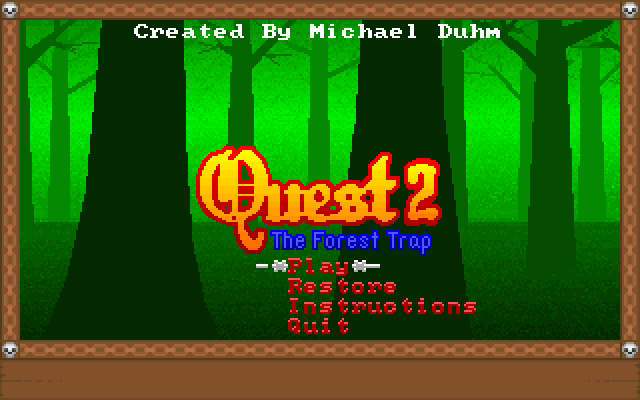
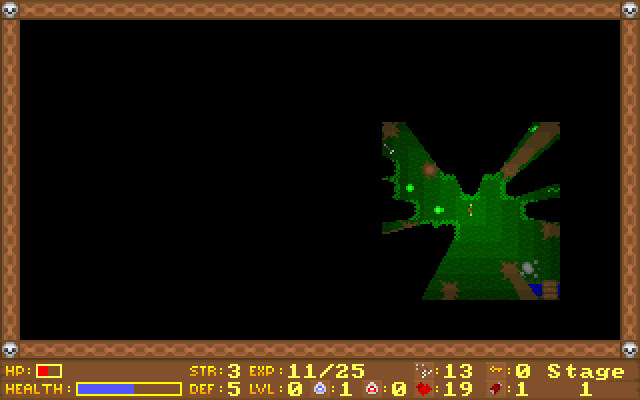
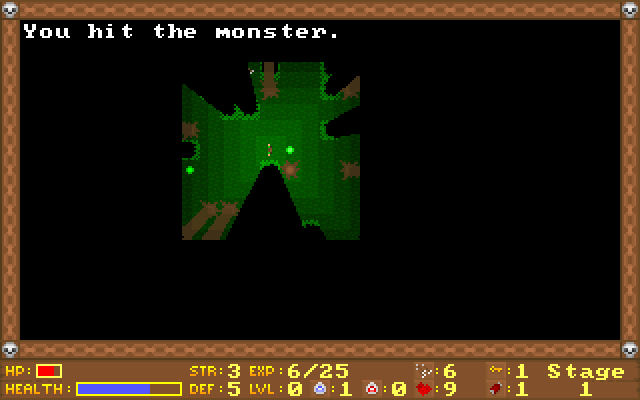
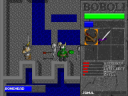
Quest 2: The Forest Trap begins when an arrow carrying the king's request for help strikes your door. His castle is under attack, and the trail leads into a forest threatened by an evil wizard. Michael Duhm's game asks you to fight your way to each area's exit, which is a path leading off the playing field.
Use the arrows to move and Space to shoot your collected arrows. E eats food when hunger becomes a problem, B drinks a blue potion, and R drinks a red one. Blue potions restore part of your life; red potions restore it fully. Keys open chests, while jewels buy supplies between levels.
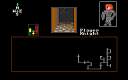
Different enemies need different attention. The original help describes wolves and orcs as pursuers, while goblins are stronger than wolves but do not hunt you. Keep food and ammunition in reserve, check the edges of the area for a route onward, and look for useful items before leaving. The Instructions option covers these rules across three pages.
Start here
Quick tips
Food matters: hunger eventually weakens the character.
Save red potions for a larger health recovery.
Spend jewels on needed supplies between levels.
- Arrow keys
- Move around the level
- Space
- Shoot an arrow
- E
- Eat carried food
- B
- Drink a blue potion
- R
- Drink a red potion
- Left / Right
- In Instructions: change the help page
- Esc
- Leave the instructions screen
Screens
Screenshots
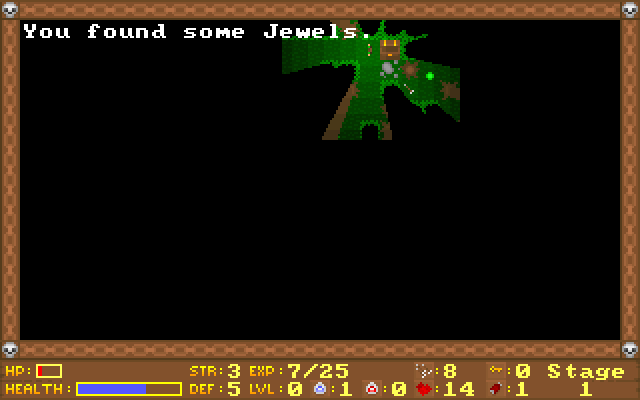
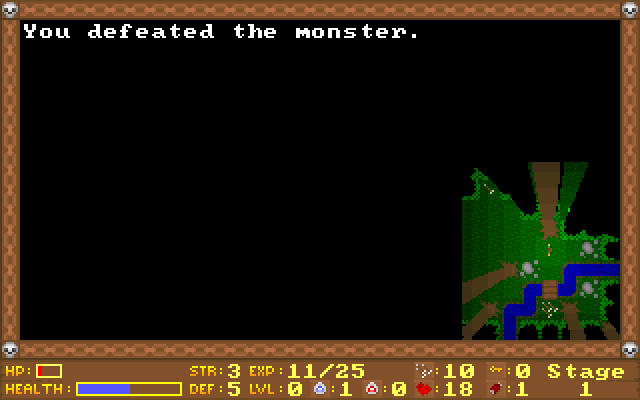
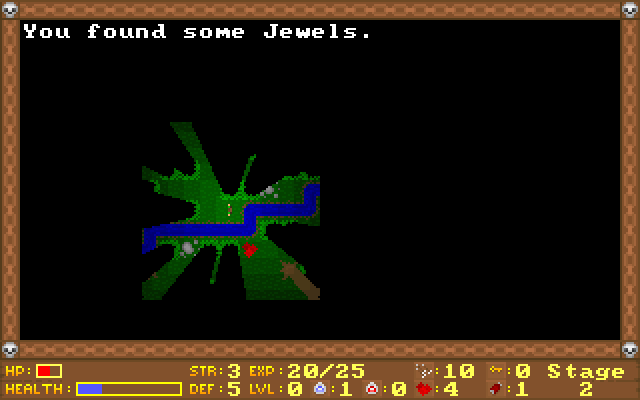
Keep playing
Similar Games
Help improve this entry
Something not working?
Report a gameplay or information problem. Short reports are enough.
Archive notes
Rights and Source Notes
Browser play uses the archived Freeware release.
- Distribution
- Freeware
- Browser player
- js-dos · Browser play
- Added to archive
- 2026-07-27