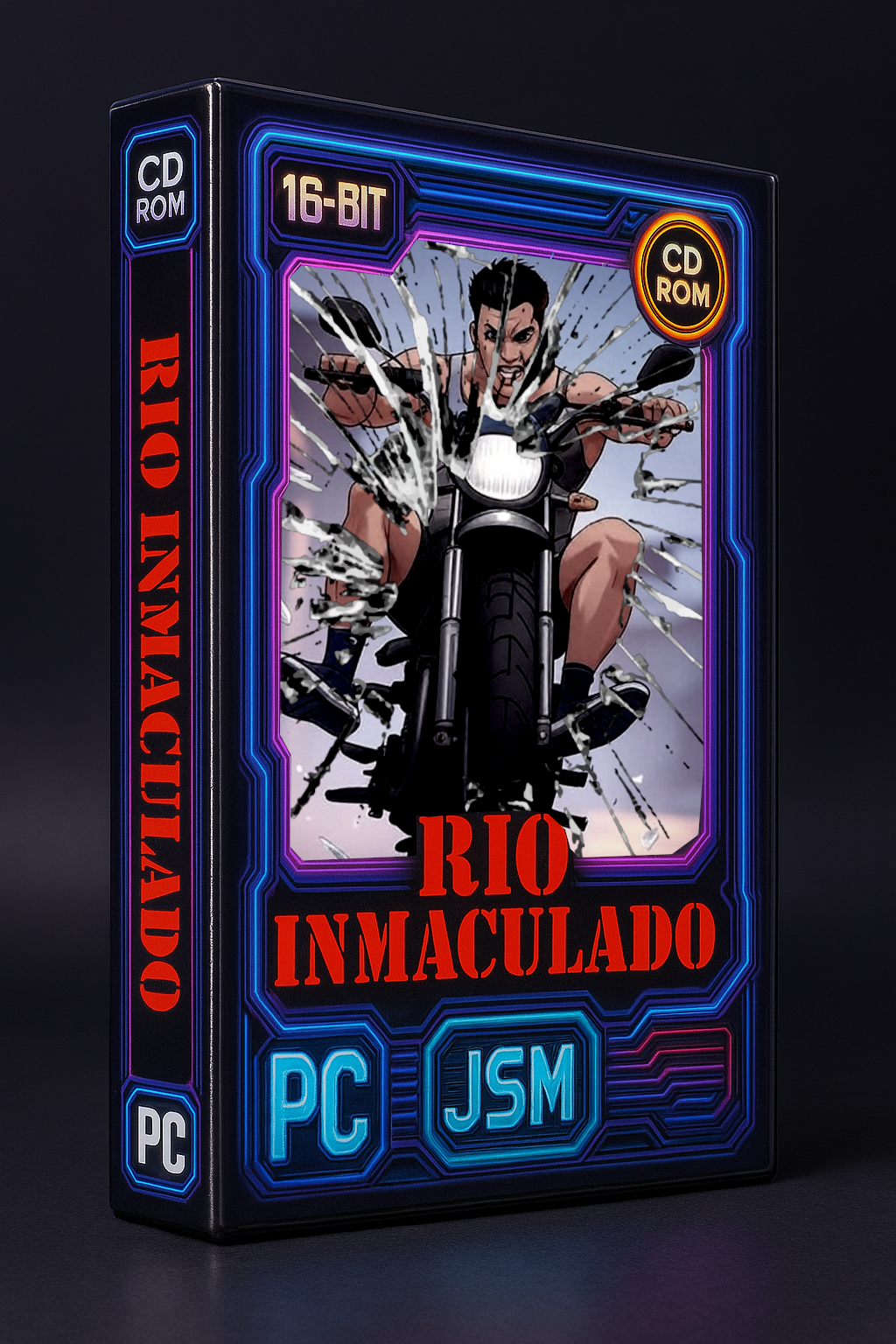
Rio Inmaculado

Saves are stored in this browser.
Player notes
About this game
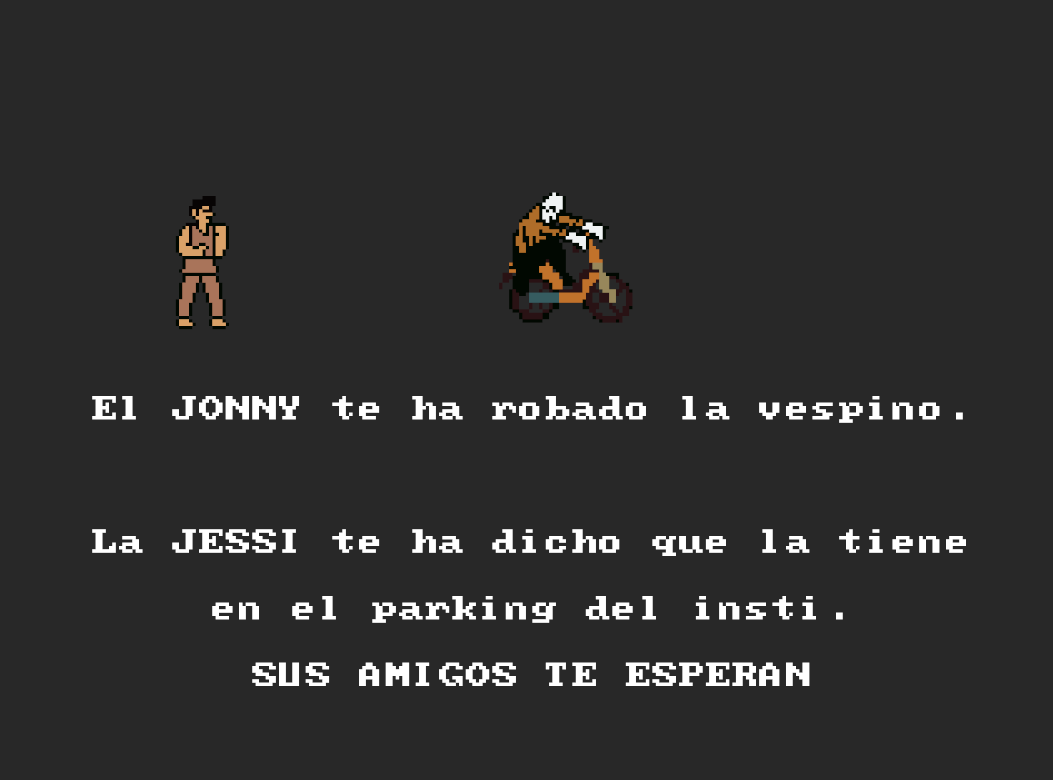
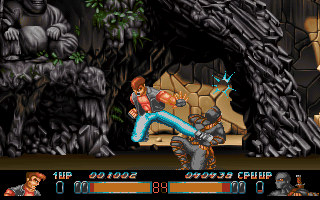
Rio Inmaculado begins with Johnny stealing your Vespino. Jessi points you towards the school parking area, where his friends stand in your way. The archived title screen identifies this DOS build as v1.4b.
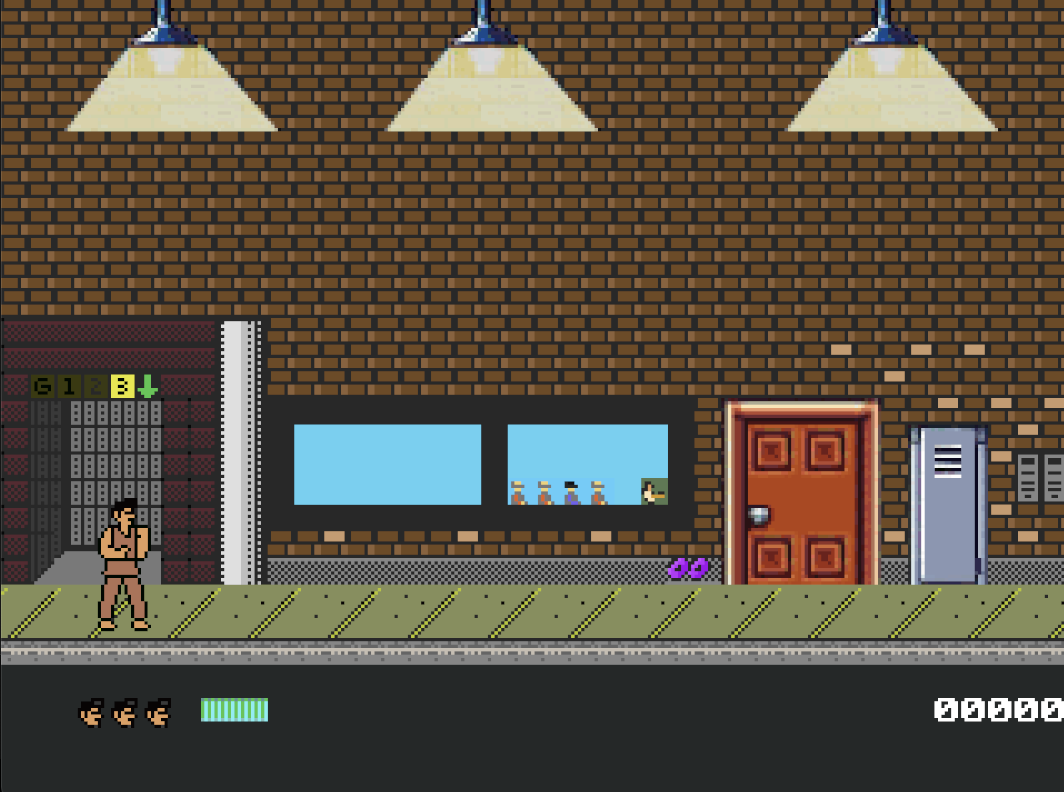
Press Space at the title, then follow the opening story into the school. The creator lists the arrows for walking, Ctrl for punching, Alt for kicking and Space for actions such as opening doors. Move into position before attacking; a punch and an interaction are different commands.
Check doorways as you explore instead of assuming every room is reached by fighting. The game's separate activities can display their own prompts, so read the screen when the scene changes. Learn the four basic actions in the opening area before trying to rush past the gang.
Start here
Quick tips
Read each new scene's prompts.
Use Space for doors and Ctrl or Alt for attacks.
- Arrow keys
- Walk
- Ctrl
- Punch
- Alt
- Kick
- Space
- Start; perform an action or open a door
Screens
Screenshots
Keep playing
Similar Games
Help improve this entry
Something not working?
Report a gameplay or information problem. Short reports are enough.
Archive notes
Rights and Source Notes
Browser play is available for this entry. Official project references are listed below.
- Distribution
- Apache-License-2.0 code / CC-BY-4.0 assets
- Attribution
- Rio Inmaculado by jordi; Original soundtrack by Roger.
- Browser player
- js-dos · Browser play
- Added to archive
- 2026-07-24
- Official references