SkyRoads
Saves are stored in this browser.
Player notes
About this game
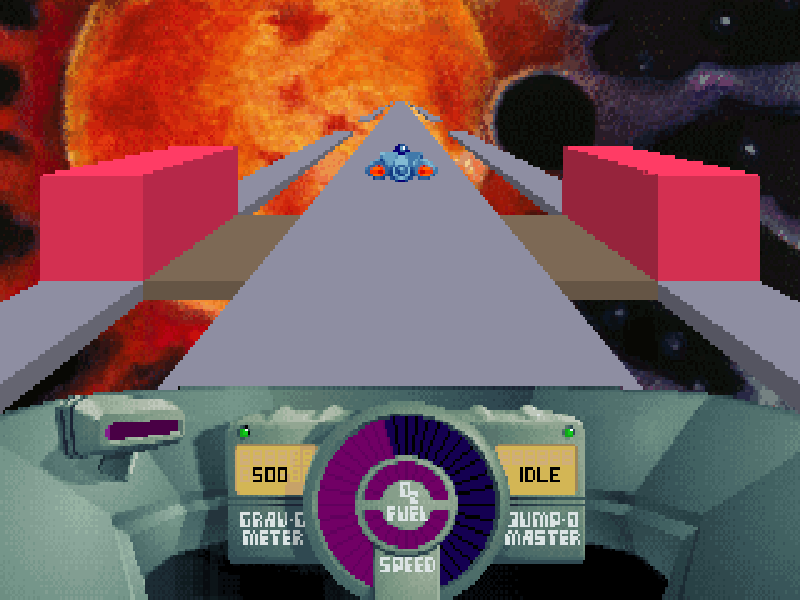
SkyRoads turns a journey through space into a driving puzzle. Your craft follows narrow roads suspended above alien landscapes, with walls, tunnels and missing sections interrupting the route. There are no rival drivers: reaching the far end with fuel and oxygen remaining is the challenge.
Speed changes the distance covered by a jump, so the quickest approach is not always the safest. Surface colors also matter. The original help identifies supplies, boost, sticky, slippery and burning tiles, giving each stretch of road its own hazards and opportunities.
Choose Start and select a road with the arrow keys and Enter. Up accelerates, Down slows the craft, Left and Right steer, and Space jumps. The main-menu Help option shows the controls and surface types before you set off.
This is BlueMoon Software’s complete 1993 DOS game, later released as freeware. All thirty roads are available; this is not the earlier six-road shareware sample. The original files and distribution notice are preserved.
Start here
Quick tips
Begin with Red Heat, Road 1 to learn the relationship between speed and jump distance.
Look ahead before accelerating: a long jump can carry you past a safe landing.
Check Help for the surface colors; a strip that looks like a shortcut may slow or damage your craft.
- Left / Right
- Steer left or right
- Up
- Increase speed
- Down
- Reduce speed
- Space
- Jump; advance the help page
- Enter
- Confirm a menu or road selection
- Esc
- Leave the current screen; exit from the main menu
Keep playing
Similar Games
Help improve this entry
Something not working?
Report a gameplay or information problem. Short reports are enough.
Archive notes
Rights and Source Notes
Browser play is available for this entry.
- Distribution
- Freeware
- Browser player
- js-dos · Browser play
- Added to archive
- 2026-10-17