StarMines II - The Planet of Mines
Saves are stored in this browser.
Player notes
About this game
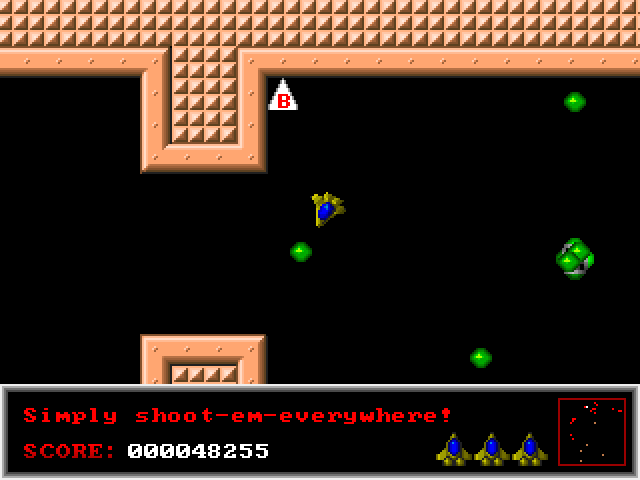
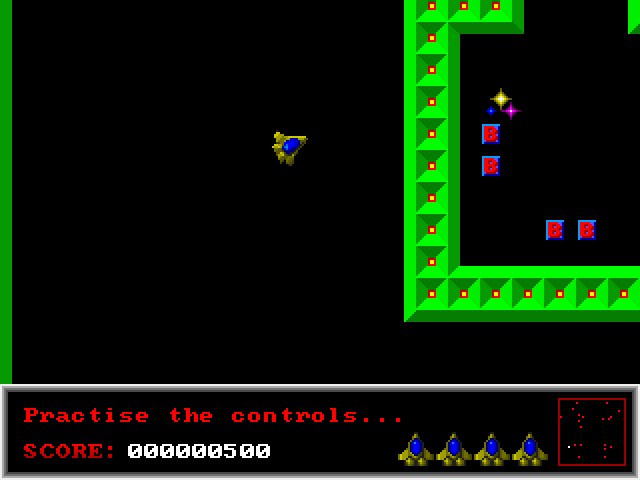
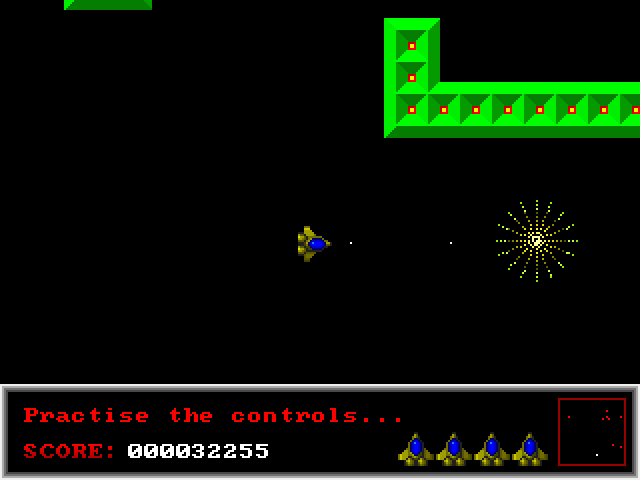
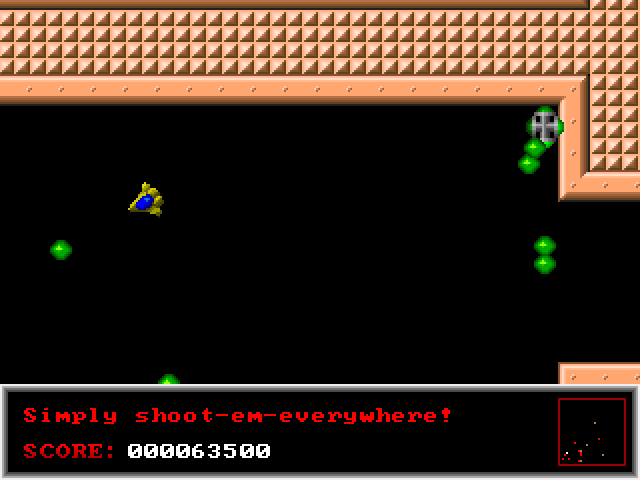
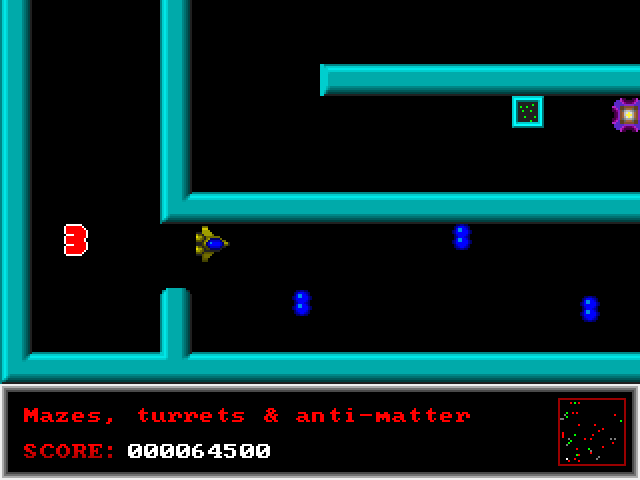
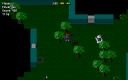
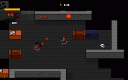
StarMines II begins with a small scout ship on the first level of the Planet of Mines. Fly through transportals to advance and collect Bonusoids along the way. Fuel and ammunition are unlimited, but steering safely through the maze still matters.
In the included version 1.1, Z and X rotate the ship, M applies thrust, and comma fires. The arrows and Space provide alternatives. Rotation and thrust are separate actions, so point the ship toward a clear passage before accelerating. S stops motion immediately, an aid the original author explicitly describes as a cheat.
The options include centering the ship in the viewport and turning friction off. Friction changes how the ship handles; the manual describes the frictionless mode as harder. Pause stops the game or a fast-scrolling text screen. Start with the default handling before trying the more demanding movement option.
Start here
Quick tips
Rotate toward an open passage before applying thrust.
Friction off changes the handling and makes control more demanding.
- Z / Left
- Rotate counterclockwise
- X / Right
- Rotate clockwise
- M / Up
- Apply thrust
- , / Space
- Shoot
- S
- Stop motion immediately
- Pause
- Pause the game or scrolling text
Screens
Screenshots
Keep playing
Similar Games
Help improve this entry
Something not working?
Report a gameplay or information problem. Short reports are enough.
Archive notes
Rights and Source Notes
Browser play uses the archived Freeware release. Official project references are listed below.
- Distribution
- Freeware
- Browser player
- js-dos · Browser play
- Added to archive
- 2026-07-27
- Official references