The Kingdom of Syree
Saves are stored in this browser.
Player notes
About this game
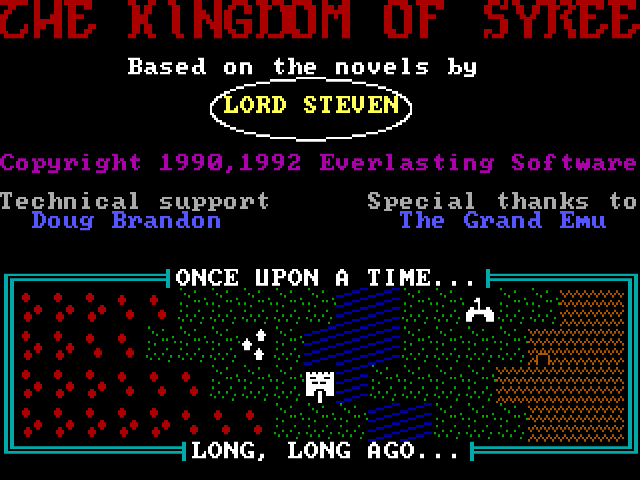
The Kingdom of Syree sends a lone adventurer across Sheol after the kingdom falls under Rancit's rule. Exploration is built around separate commands for entering settlements, opening doors, speaking to people and using equipment. The packaged readme identifies this release as version 1.0.2.
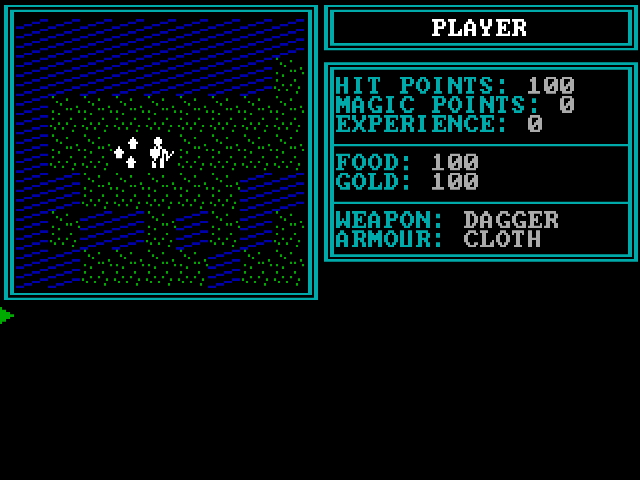
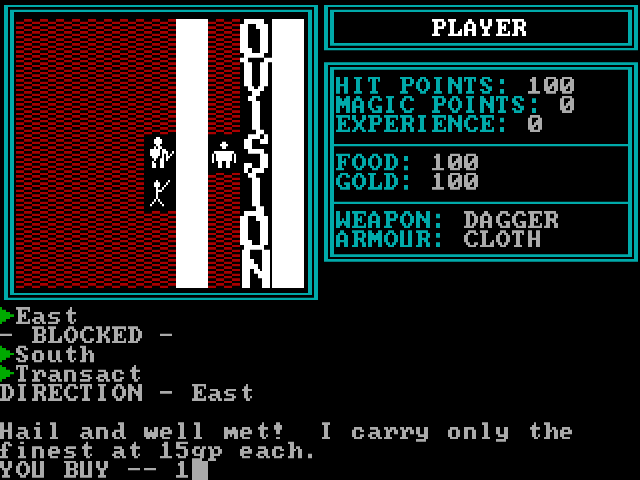
Use the arrow keys to travel. A attacks with the readied weapon and normally asks for a direction; R changes that weapon, while W equips armour. T starts a conversation and E enters a town or dungeon. Space spends a turn without moving. Check Z for character status before taking risks.
The game's Q command saves only while on the surface of Sheol. It is different from Escape, which leaves normal play. Make time to talk and inspect locations instead of treating every encounter as a fight.
Start here
Quick tips
Ready a weapon before attacking.
The in-game save command works on the surface, not inside a dungeon.
- Arrow keys
- Move
- A
- Attack; choose a direction when asked
- R
- Ready a weapon
- W
- Wear armour
- C
- Cast a named spell
- T
- Talk to townspeople
- E
- Enter a settlement or dungeon
- O
- Open a door
- G
- Get a chest
- S
- Search the current location
- U
- Use an object
- Z
- View status
- Space
- Pass a turn
- Q
- Save while on the surface
- Escape
- Leave normal play
Screens
Screenshots
Keep playing
Similar Games
Help improve this entry
Something not working?
Report a gameplay or information problem. Short reports are enough.
Archive notes
Rights and Source Notes
Browser play uses the archived Freeware release.
- Distribution
- Freeware
- Browser player
- js-dos · Browser play
- Added to archive
- 2026-07-27