VGA Jigsaw
Saves are stored in this browser.
Player notes
About this game
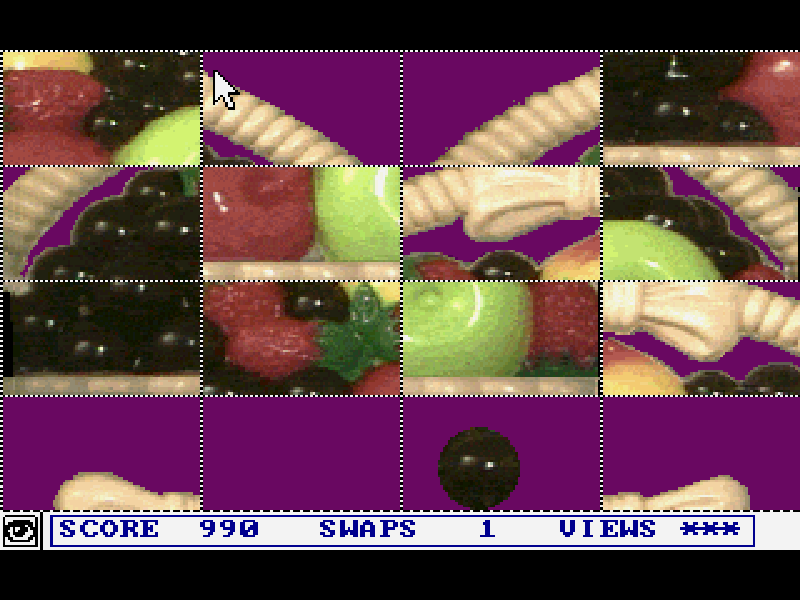
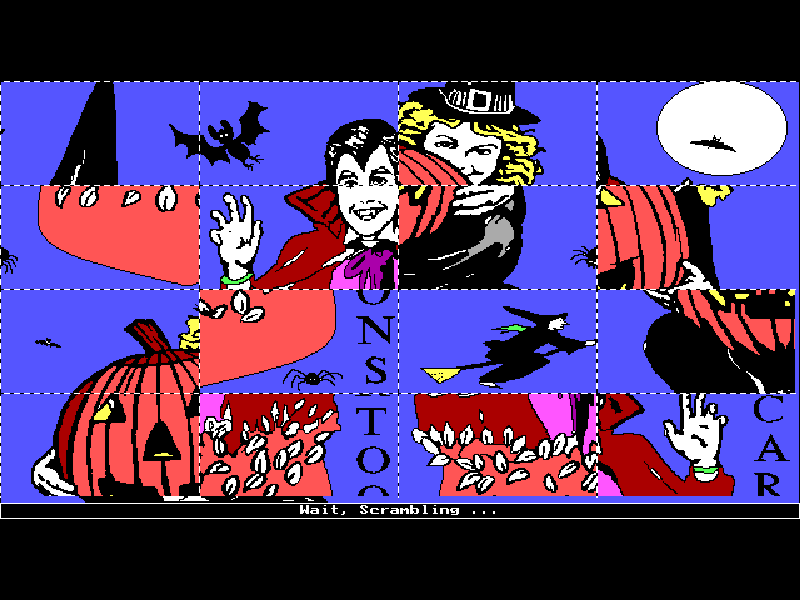
VGA Jigsaw is a picture-reassembly puzzle by Bill Dedes. Choose one of the included images, let the game scramble it, then click two pieces to exchange their positions. Its VGA pictures offer more colors than the earlier PC-Jigsaw presentation.
The supplied configuration uses a mouse. Left-click selects a picture, menu item or puzzle piece; right-click opens or leaves the menu. The board tracks swaps, views and score, so careful placement matters more than clicking quickly. The original program also has configurable keyboard support, but this page preserves its mouse setup.
This is version 4.0 from April 1996 of the game first released in 1990. It is Alive Software’s evaluation shareware. The additional registered puzzles and image-import features promoted by the original menus are not part of this supplied edition. All original files and configuration are retained.
Start here
Quick tips
Continue the introductory screens, then click a picture on the selection page. Allow the fade and shuffle animations to finish.
Select Start if the menu is open. Left-click one piece and then another to exchange them; right-click brings up the menu.
Begin by matching strong edges and distinctive colors. The score and swap counter show when an exchange has registered.
- V
- Request the original picture view as described in the manual.
- Left mouse button
- Continue notices; select a picture, menu item or puzzle piece. Select two pieces to swap them.
- Right mouse button
- Open or dismiss the game menu, or cancel a selection.
Keep playing
Similar Games
Ratings & comments
Help improve this entry
Something not working?
Report a gameplay or information problem. Short reports are enough.
Archive notes
Rights and Source Notes
Browser play is available for this entry.
- Distribution
- Shareware
- Browser player
- js-dos · Browser play
- Added to archive
- 2026-11-03
No comments yet. Be the first to share a tip.