VGA Sharks
Saves are stored in this browser.
Player notes
About this game
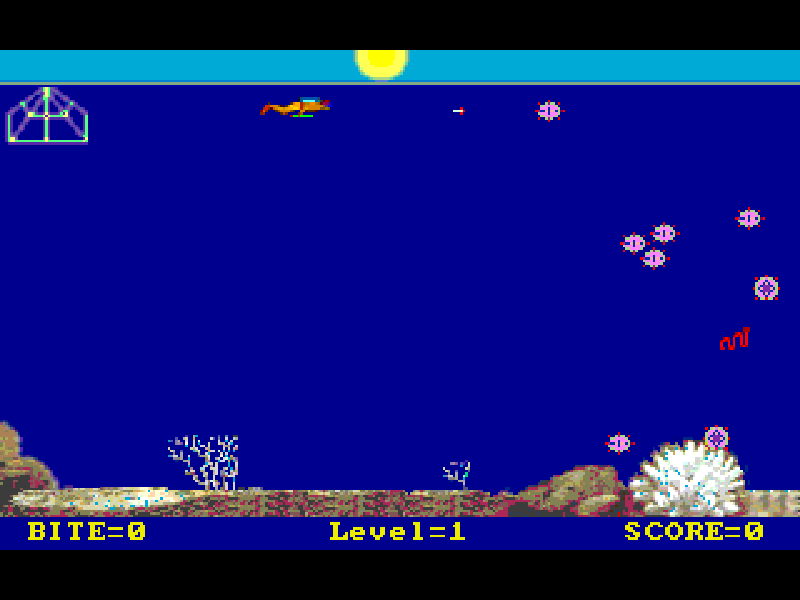
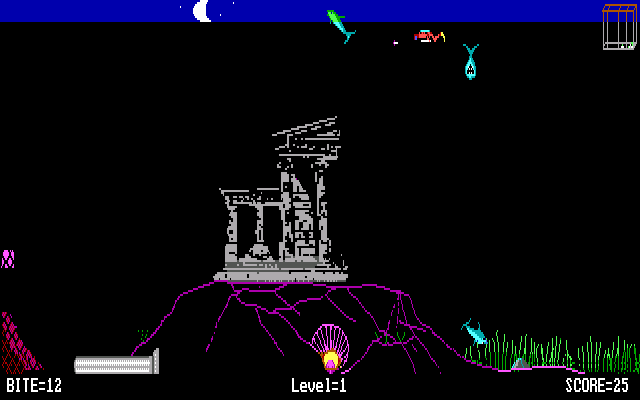
VGA Sharks puts you in the flippers of Scubaman, a marine biologist collecting creatures for study. Swim into a specimen to pick it up, then return to the protective cage. A stun gun temporarily disables enemies, giving you time to get back safely.
The original game offers Raybats as a gentler training mode, Sharks as a faster hazard and Killer Jelly-fish as a slower but dangerous challenge. Direction keys set a course rather than moving only while held: the diver keeps swimming until you change direction or reach a boundary. The cage provides a refuge, but you must leave it to collect specimens.
This is Alive Software’s version 2.0 shareware, from the 1994 distribution archive, following the original 1990 game. It starts with the original standard-VGA and keyboard options. All original instructions and evaluation notices remain; this is not a registered or newly released freeware edition.
Start here
Quick tips
At the setup screen, leave Standard IBM VGA and Keyboard selected, then choose Start the Game.
Continue past the title and demonstration, then use Start from the main menu to begin your own round.
Tap a direction to change course and Space to fire. Return to the cage with specimens; the tranquilizer does not remove enemies permanently.
- Arrow keys
- Turn the diver in a new swimming direction; also navigate menus.
- Home / End / Page Up / Page Down
- Choose a diagonal swimming direction.
- Space
- Fire the stun gun or select a menu item.
- Enter
- Confirm setup, continue opening screens or select a menu item.
- Esc
- Open the main menu or leave a menu selection.
Keep playing
Similar Games
Ratings & comments
Help improve this entry
Something not working?
Report a gameplay or information problem. Short reports are enough.
Archive notes
Rights and Source Notes
Browser play is available for this entry.
- Distribution
- Shareware
- Browser player
- js-dos · Browser play
- Added to archive
- 2026-11-03
No comments yet. Be the first to share a tip.