WetSpot 2
Saves are stored in this browser.
Player notes
About this game
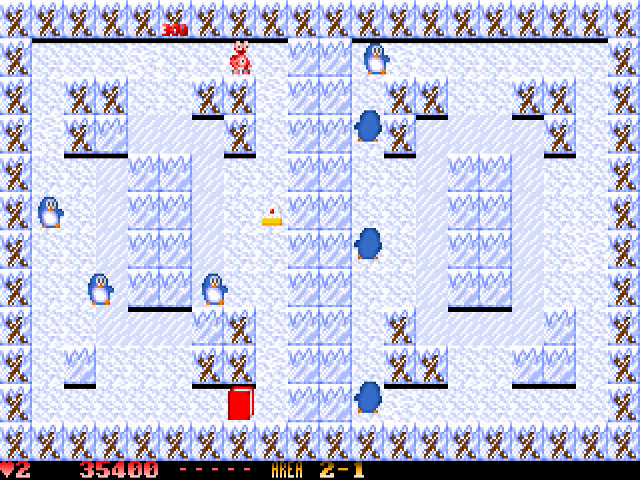
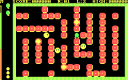
WetSpot 2 gives a small crab a dangerous way to clear an arena: push a movable block so it slides into monsters. Sliding blocks can also crush players. If another block prevents the first from moving, the pushed block breaks instead and may reveal a bonus.
The included version 1.3 supports two crabs playing together. The default Keyboard 1 layout uses the arrows and Enter to push; Keyboard 2 uses W, A, S and D with Tab. Assign the layouts in Options, where the keys can also be customized. Hold a direction to keep moving.
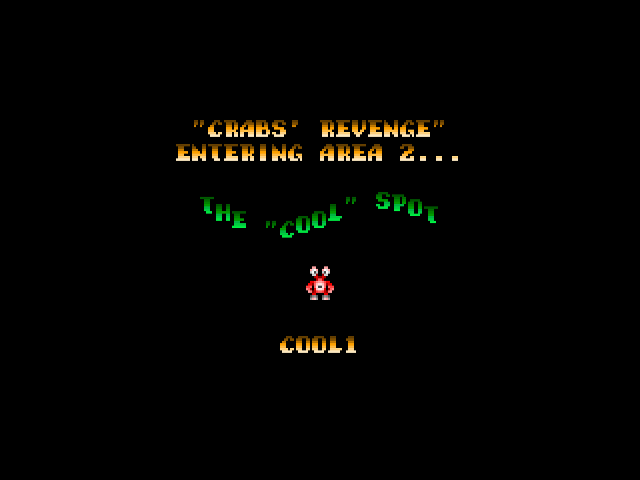
Clear all monsters to advance. Areas contain five levels, and completing an area gives a password for the next one. Collecting all five BONUS letters awards a life. P pauses, and Esc aborts the current game. Keep an escape route clear before releasing a block, especially when another player shares the arena.
Start here
Quick tips
Sliding blocks can crush your partner as well as monsters.
Record area passwords to return to later sections.
- Arrow keys
- Keyboard 1: move; navigate menus
- Enter
- Keyboard 1: push a block; confirm a menu option
- W / A / S / D
- Keyboard 2: move
- Tab
- Keyboard 2: push a block
- P
- Pause / resume
- Esc
- Abort the game or leave an attract-mode display
Screens
Screenshots
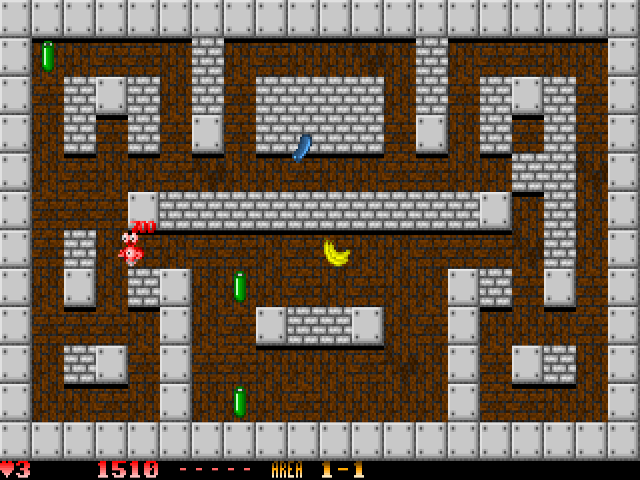
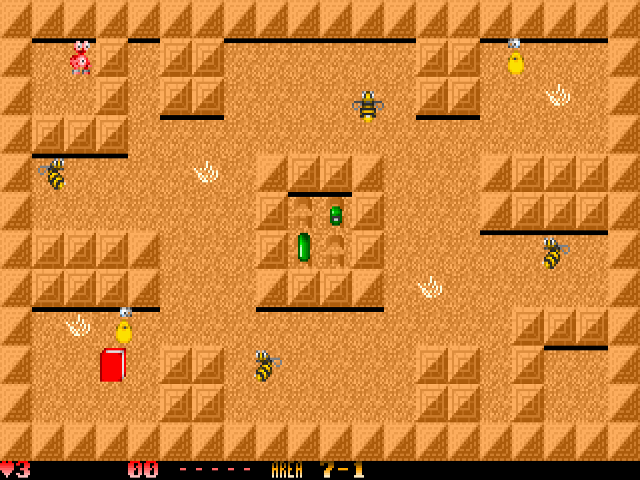
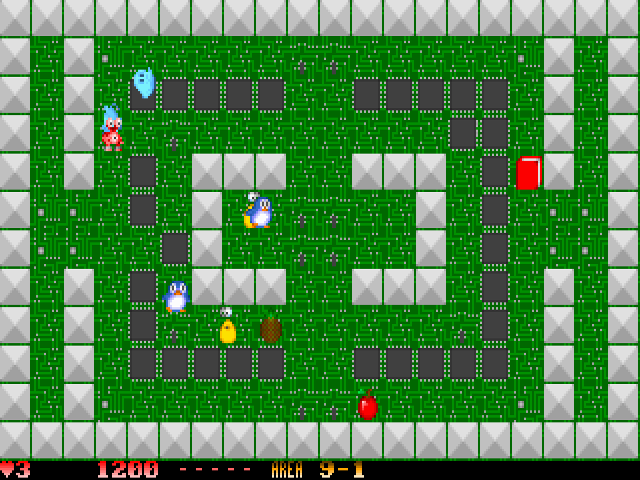
Keep playing
Similar Games
Help improve this entry
Something not working?
Report a gameplay or information problem. Short reports are enough.
Archive notes
Rights and Source Notes
Browser play uses the archived Freeware release. Official project references are listed below.
- Distribution
- Freeware
- Browser player
- js-dos · Browser play
- Added to archive
- 2026-07-27
- Official references