Wings of Thunder
Saves are stored in this browser.
Player notes
About this game
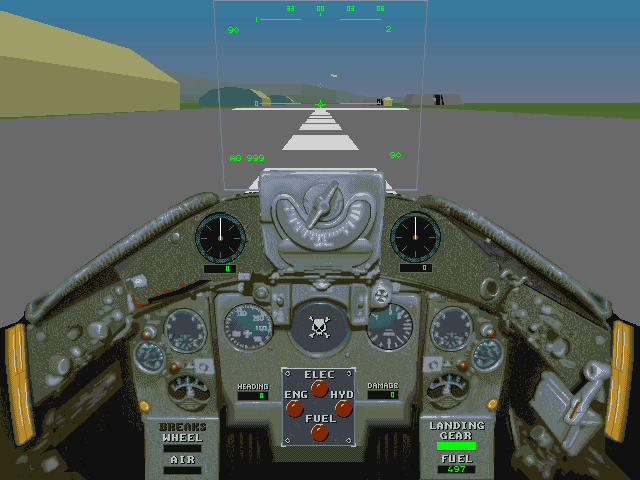
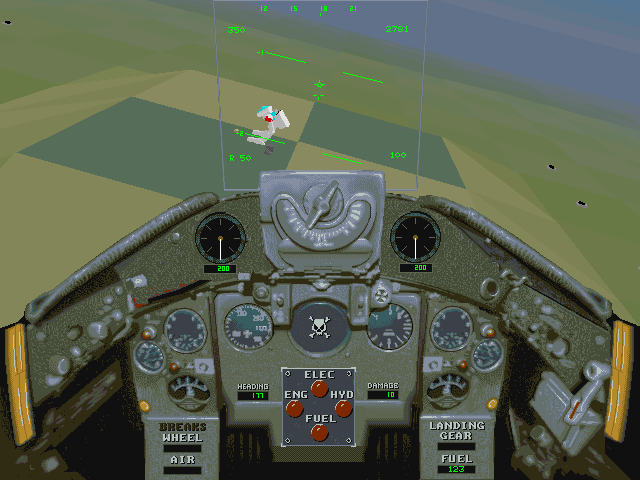
Wings of Thunder links a series of ground-attack objectives through cockpit homing frequencies. Frequency 100 leads to the first target, 200 to the second, and so on through the mission list. Slash advances the frequency; Shift+Slash steps back. Ctrl+M opens the overhead map.
The quick-start instructions use 0 for full throttle and G to raise the landing gear after takeoff. Space fires. Backspace and Enter both select weapons, as clarified by the bundled tips. Some unarmed targets cannot be locked by air-to-ground missiles, so guns or rockets are needed instead.
Captured airfields provide repairs and ammunition only after you land, stop fully and shut down the engine. W controls wheel brakes, B air brakes and E the engine. Use Alt+P to pause while consulting the controls.
Start here
Quick tips
Repairs require a complete stop with the engine switched off.
Use guns or rockets when a missile cannot lock an unarmed target.
- 0
- Full throttle
- 1–9
- Select lower throttle settings
- E
- Toggle engine
- W
- Toggle wheel brakes
- B
- Engage air brakes
- G
- Toggle landing gear
- Backspace / Enter
- Select weapon
- Space
- Fire selected weapon
- /
- Next homing frequency
- Shift+/
- Previous homing frequency
- Ctrl+M
- Overhead map
- Alt+P
- Pause
- Escape
- Open simulator options
- , / .
- Rudder left / right
Screens
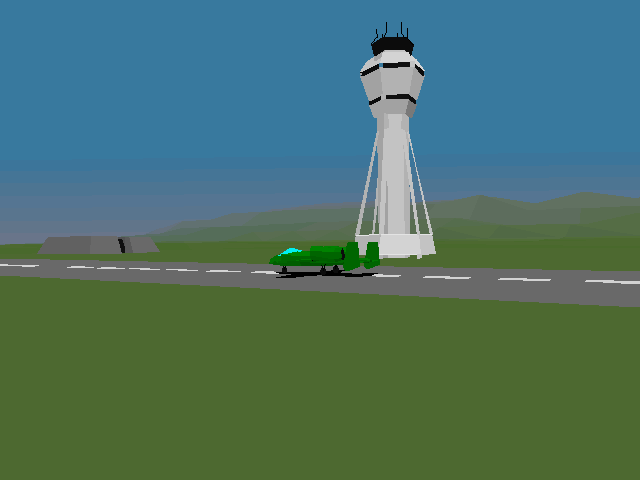
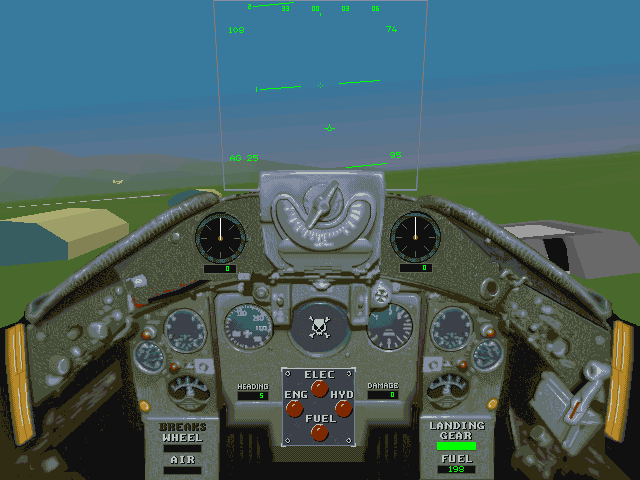
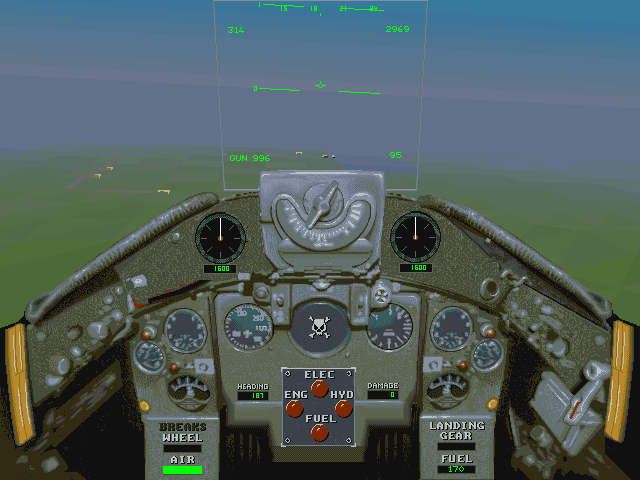
Screenshots
Keep playing
Similar Games
Help improve this entry
Something not working?
Report a gameplay or information problem. Short reports are enough.
Archive notes
Rights and Source Notes
Browser play uses the archived Freeware release.
- Distribution
- Freeware
- Browser player
- js-dos · Browser play
- Added to archive
- 2026-07-28