Commander Keen 1: Marooned on Mars
Saves are stored in this browser.
Player notes
About this game
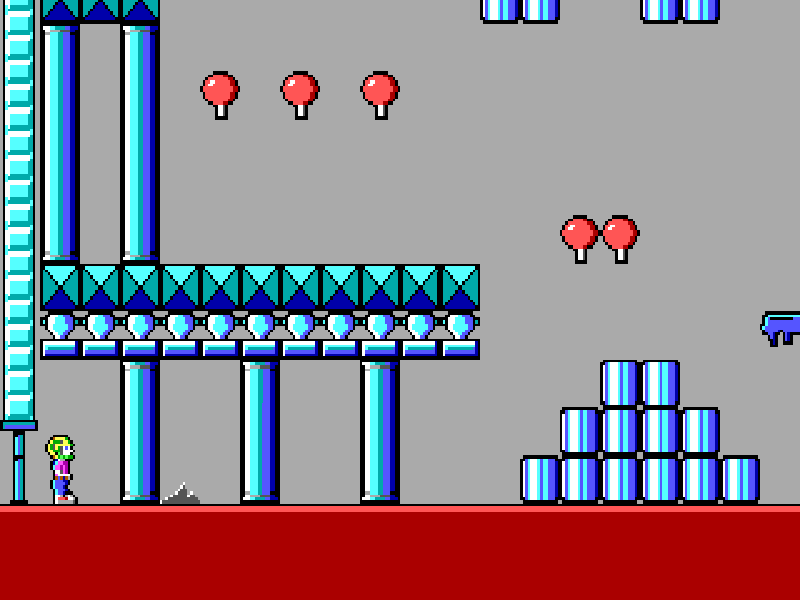
Commander Keen 1: Marooned on Mars follows eight-year-old Billy Blaze after the Vorticons steal parts from his homemade spacecraft. To get home, he must explore Martian settlements, recover the missing components and find routes through the levels that block the world map.
The game mixes running and jumping with item collection. Colored keycards open matching doors, and the pogo stick changes how you reach higher platforms once you have found it. The raygun needs charges, so an empty ammunition counter explains why firing may initially do nothing.
Move with the arrow keys and press Ctrl to jump. On the world map, Ctrl enters a city when Keen is standing over it. Alt uses the pogo stick after it has been collected, and pressing Ctrl and Alt together fires the raygun when it has charges. Space opens the status panel, including ship parts, keycards and ammunition.
This is Apogee Software’s 1.31 shareware release of the first episode, originally developed by id Software in 1990. It is not the complete Invasion of the Vorticons trilogy: episodes two and three are not included. All supplied installer and installed files, including the shareware distribution notice, are preserved.
Start here
Quick tips
On the world map, move onto a city and press Ctrl to enter; this is different from choosing a menu item with Enter.
You must find the pogo stick before Alt can use it. Check the status panel with Space.
The raygun requires ammunition. Hold Ctrl and Alt together to fire once you have collected charges.
On a phone, hold the Ctrl and Alt touch buttons with two fingers for the combined firing input.
- Arrow keys
- Move through levels or the world map
- Ctrl
- Jump; enter a city from the world map
- Alt
- Use the pogo stick after collecting it
- Ctrl + Alt
- Fire the raygun when ammunition is available
- Space
- Open the status panel
- F1
- Open help
- F2
- Open sound settings
- F3
- Open keyboard settings
- F5
- Save the game
- Enter
- Confirm menu choices
- Esc
- Open the quit prompt; leave help
Keep playing
Similar Games
Help improve this entry
Something not working?
Report a gameplay or information problem. Short reports are enough.
Archive notes
Rights and Source Notes
Browser play is available for this entry.
- Distribution
- Shareware
- Browser player
- js-dos · Browser play
- Added to archive
- 2026-10-17