Jetpack
Saves are stored in this browser.
Player notes
About this game
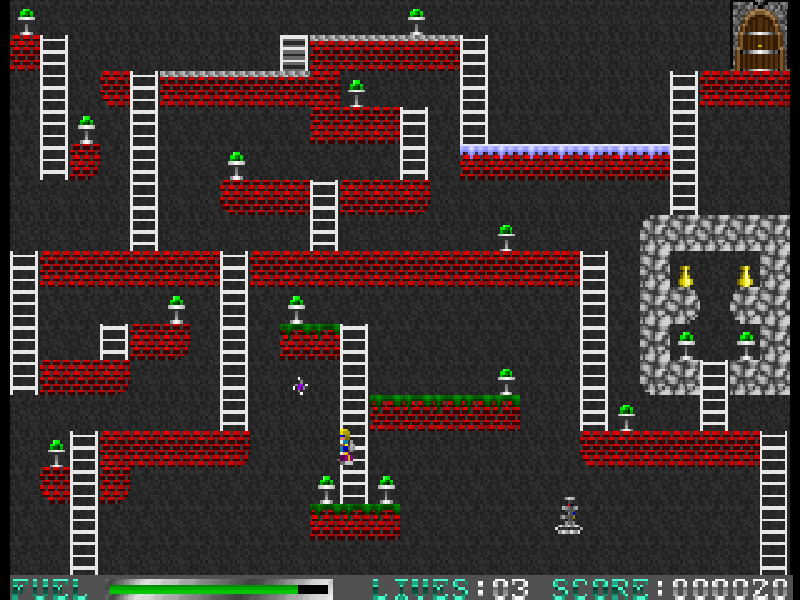
Jetpack is Adam Pedersen’s room-by-room puzzle platformer, originally published by Software Creations in 1993. Each level fits on one screen. Collect all the emeralds to open the exit, then work out how to reach it without being caught by the moving hazards.
The jetpack is only part of the solution. Fuel is limited, ladders offer safer routes, and the phase shifter temporarily clears suitable blocks so you can make a passage. Some rooms have no fuel at all, making route planning more important than flying.
Press S at the main menu to start. The arrow keys move and climb, Alt powers the jetpack and Ctrl uses the phase shifter. F1 shows the original quick help, F10 pauses, and Q leaves the current game. Esc sacrifices the current life, so it should not be treated as a harmless pause button.
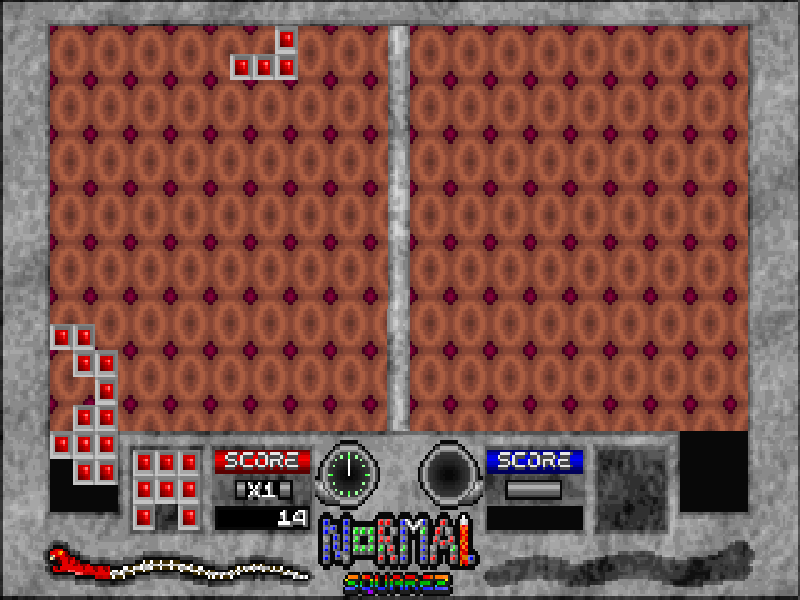
This page runs the author’s final version 1.5 freeware package, with the standard one hundred levels and built-in editor. The complete original package is retained, including its alternate graphics modules and Squarez Deluxe companion. The instructions here focus on the standard single-player game.
Start here
Quick tips
Use ladders where possible and save fuel for places you cannot reach on foot.
Collect every emerald before going for the exit; treasure also helps you earn extra lives.
Hold the phase-shifter key beside a suitable block long enough to clear it, then move through before it returns.
- Arrow keys
- Move, climb and steer in flight
- Alt
- Use the jetpack
- Ctrl
- Use the phase shifter
- S
- Start from the main menu
- Enter
- Confirm a prompt; also activates the phase shifter during play
- F1
- Show the original control help
- F10
- Pause the game
- Q
- Quit the current game
- Esc
- Sacrifice the current life
Keep playing
Similar Games
Help improve this entry
Something not working?
Report a gameplay or information problem. Short reports are enough.
Archive notes
Rights and Source Notes
Browser play is available for this entry.
- Distribution
- Freeware
- Browser player
- js-dos · Browser play
- Added to archive
- 2026-10-17