Moraff's Dungeons of the Unforgiven
Saves are stored in this browser.
Player notes
About this game
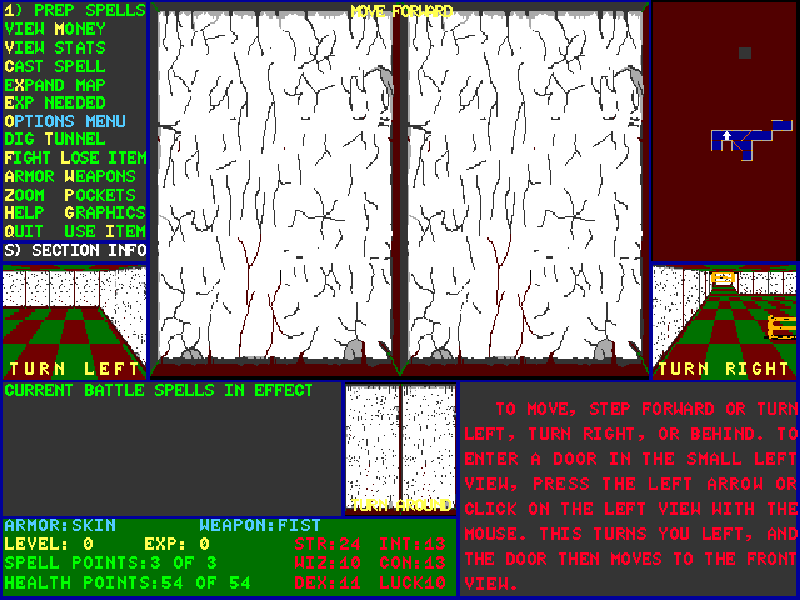
Moraff’s Dungeons of the Unforgiven expands Steve Moraff’s dungeon-exploration formula with textured views, character choices and spells. The main view faces forward, while smaller windows show the other directions. A map records explored passages and indicates your position and heading.
The arrow keys do not all move the character in the same way. Up steps forward; Left and Right turn toward those views, and Down turns around. Face a monster before attacking with F. Equipment, spell preparation and survival require more commands, explained by the original built-in help files and labelled menus.
This is Module I, version 1.0 dated April 26, 1993, distributed as shareware. The paid extended modules are not included. Select VGA with 7, choose an empty character slot, then follow the difficulty, race, name and class prompts. Wait for each introduction to finish; this original DOS interface draws some text gradually.
Start here
Quick tips
Select 7 for VGA and 0 to create a character in the first empty slot. Follow the numbered setup prompts.
A wall in the front view means Up will be blocked. Turn toward a passage visible in a side window, then move forward.
Start with a simple character and read the built-in instructions. The package includes detailed explanations of movement, equipment and spells.
- Up
- Step forward in the direction you are facing.
- Left / Right
- Turn left or right without stepping forward.
- Down
- Turn around to face behind you.
- 0–9
- Choose numbered character and setup options.
- Enter
- Confirm names and continue opening information.
- Y / N
- Accept or reject character attributes when prompted.
- F
- Attack the monster in front of you.
- W
- Open the weapon selection menu.
- Q
- Save and quit from the game.
Keep playing
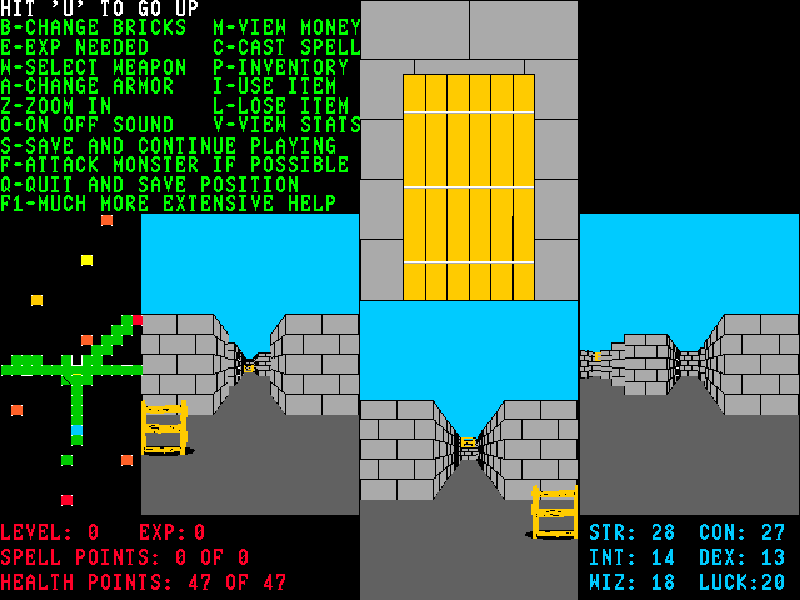
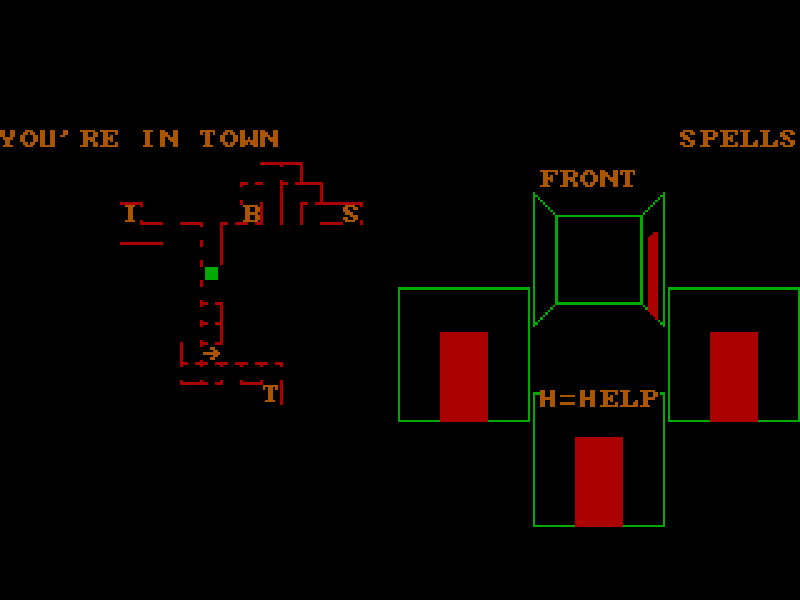
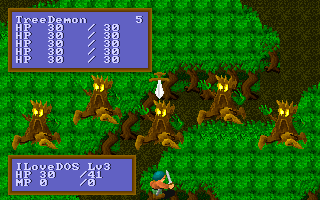
Similar Games
Ratings & comments
Help improve this entry
Something not working?
Report a gameplay or information problem. Short reports are enough.
Archive notes
Rights and Source Notes
Browser play is available for this entry.
- Distribution
- Shareware
- Browser player
- js-dos · Browser play
- Added to archive
- 2026-11-04
No comments yet. Be the first to share a tip.