Space Chase
Saves are stored in this browser.
Player notes
About this game
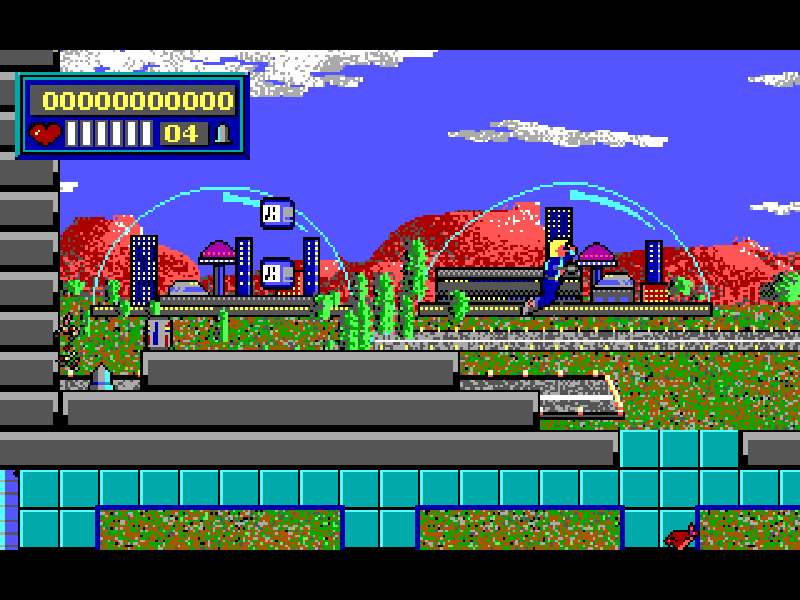
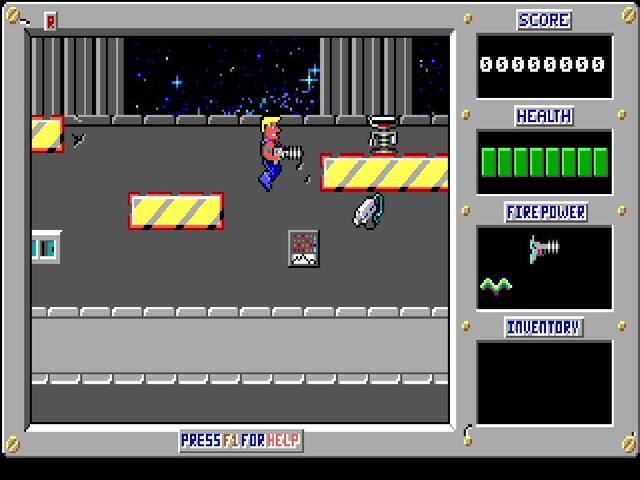
Space Chase follows Jason Storm through a city occupied by Evil Guys, Inc. The first episode, City Under Siege, begins at a spaceport. Jump between platforms, deal with guards and moving hazards, and look for the transporters that connect different parts of a level. Safari Software combines straightforward running and shooting with switches, lifts and routes that need a little exploration.
Your ammunition is limited. Pick up supplies as you travel, and keep an eye on the health and ammunition counters. Some enemies can only be stunned: the original instructions warn that the spiky Denebian Lintball recovers after being shot. Transporters are activated with Up, and some security switches can be triggered with a shot.
This is Safari Software’s version 4.00 DOS shareware release, containing episode one. At the main menu choose Begin a New Game, then select a difficulty. Ctrl jumps and Alt fires; F1 opens the in-game help menu, where S opens the original save slots. The later episodes are not included in this package.
Start here
Quick tips
Choose Easy for your first attempt; the difficulty selector initially highlights Medium.
Watch the ammunition counter before firing. Health packs and ammunition are separate pickups.
Press Up while standing at a transporter. Use F1 for instructions or the original save menu.
- Left / Right
- Move Jason left or right.
- Ctrl
- Jump; combine with a direction to clear gaps.
- Alt
- Fire the equipped weapon, consuming ammunition.
- Up
- Activate a transporter; move up through menus.
- Down
- Move down through menu choices.
- Enter
- Confirm menu choices, difficulty and a selected save slot.
- B
- Begin a new game from the main menu.
- F1
- Open the in-game help menu.
- S
- Open save slots from the in-game help menu.
- Tab
- Toggle the score box.
- Esc
- Leave a menu or quit the current game.
Keep playing
Similar Games
Ratings & comments
Help improve this entry
Something not working?
Report a gameplay or information problem. Short reports are enough.
Archive notes
Rights and Source Notes
Browser play is available for this entry.
- Distribution
- Shareware
- Browser player
- js-dos · Browser play
- Added to archive
- 2026-11-05
No comments yet. Be the first to share a tip.