Super Angelo
Saves are stored in this browser.
Player notes
About this game
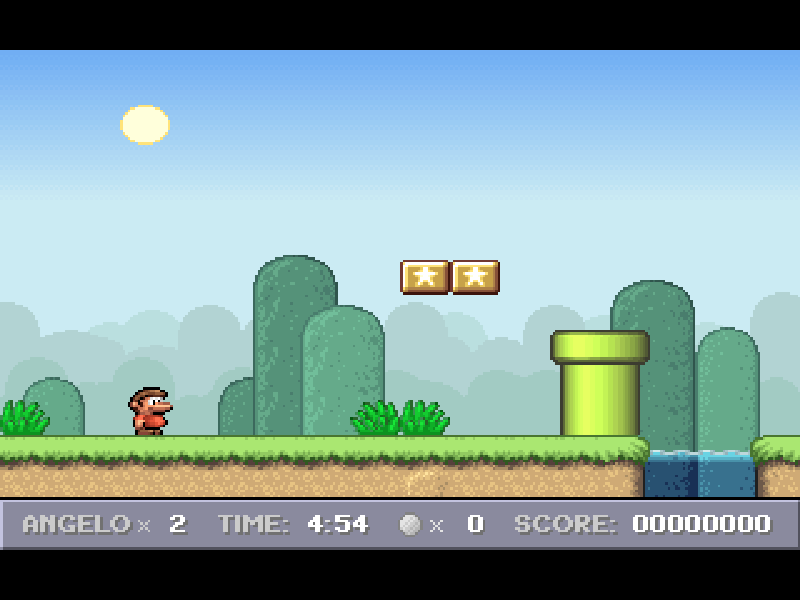
Super Angelo is a side-scrolling DOS platform game by Mike Wiering. Its first world starts among grassy platforms, pipes, coins and small enemies. The route is built around judging jumps and finding a way past obstacles, with a visible timer keeping each attempt moving.
Use Left and Right to walk, Space to jump, and Ctrl to accelerate. Down lets Angelo dive where the level supports it. Hold a direction and press Space to cross a gap. The original manual describes the default controls, and the included configuration uses Space for jumping.
Select New Game and press Enter. When the world map appears, press Enter again to enter the first level. F2 opens the native save slots and F3 opens the load slots. Try a short jump on solid ground before approaching the first pool.
This page runs the original DOS shareware version 2.2, not the later browser remake or a registered copy. The first world is available; the other worlds require registration in the original release. Mike Wiering/Wiering Software's files and license remain intact. The launch options select English and AdLib sound using settings documented in the original README.
Start here
Quick tips
Press Space to jump. Practise with the first pair of platforms before crossing water.
Practise walking and jumping separately before adding Ctrl acceleration near a gap.
Press P to pause. The original save and load menus are on F2 and F3.
This is the first-world shareware release; locked worlds are not missing downloads.
- Left / Right
- Walk left or right
- Space
- Jump
- Ctrl
- Accelerate while moving
- Down
- Dive where the level allows it
- Enter
- Confirm menu selection and start New Game
- F1
- Open help
- F2
- Open the save game menu
- F3
- Open the load game menu
- P
- Pause or resume
- F4
- Toggle game sound
- Esc
- Go back or quit the current game
- Up / Down
- Select an item in the game menus
Keep playing
Similar Games
Ratings & comments
Help improve this entry
Something not working?
Report a gameplay or information problem. Short reports are enough.
Archive notes
Rights and Source Notes
Browser play is available for this entry.
- Distribution
- Shareware
- Browser player
- js-dos · Browser play
- Added to archive
- 2026-11-19
No comments yet. Be the first to share a tip.