Terminal Velocity
Saves are stored in this browser.
Player notes
About this game
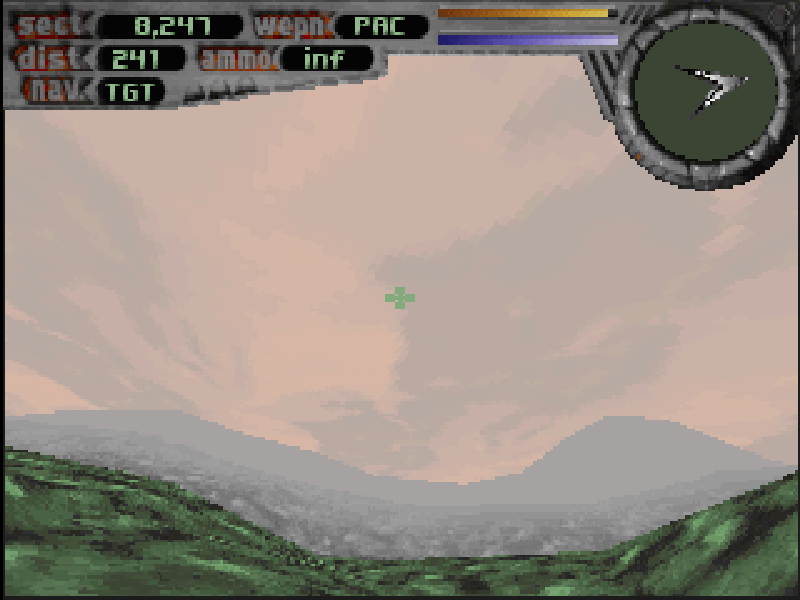
Terminal Velocity is Terminal Reality’s 1995 arcade flight shooter, published by 3D Realms, a division of Apogee Software. You pilot a futuristic fighter over open terrain, attack mission targets and pass through tunnels between areas. Its fast movement and weapon pickups favor action over detailed flight simulation.
The craft keeps moving forward while you steer and adjust the throttle. Watch the terrain as well as the enemies: a turn that lines up a target can also bring a hillside into your path. Shields, weapons and ammunition pickups help you stay in the fight.
Choose New Game, Episode One: Tactical Strike and a difficulty level. Enter a pilot name and callsign, then use Enter to advance the story and mission briefing. The arrow keys steer, Space fires and Alt uses the afterburner; A increases throttle and Z reduces it. F1 opens the original illustrated control help.
This is the DOS 1.2 shareware release, containing the first episode. The other episodes require the registered game and are not included. The original installer archive, installed game files and 3D Realms distribution terms are retained.
Start here
Quick tips
Choose Easy while learning to steer; forward flight continues without holding an acceleration key.
Reduce the throttle with Z when approaching terrain you need to navigate carefully.
Use Backspace to review mission status and F1 for the full original control briefing.
- Arrow keys
- Steer the fighter
- Space
- Fire the selected weapon
- Alt
- Use the afterburner
- A
- Increase throttle
- Z
- Reduce throttle
- Enter
- Confirm menus, episode and difficulty
- P
- Pause the game
- F1
- Open the original help
- Backspace
- Show mission status
- Tab
- Show the long-range radar
- 1–7
- Select an available weapon
- Esc
- Return to the menu
Keep playing
Similar Games
Help improve this entry
Something not working?
Report a gameplay or information problem. Short reports are enough.
Archive notes
Rights and Source Notes
Browser play is available for this entry.
- Distribution
- Shareware
- Browser player
- js-dos · Browser play
- Added to archive
- 2026-10-17