The Monuments of Mars
Saves are stored in this browser.
Player notes
About this game
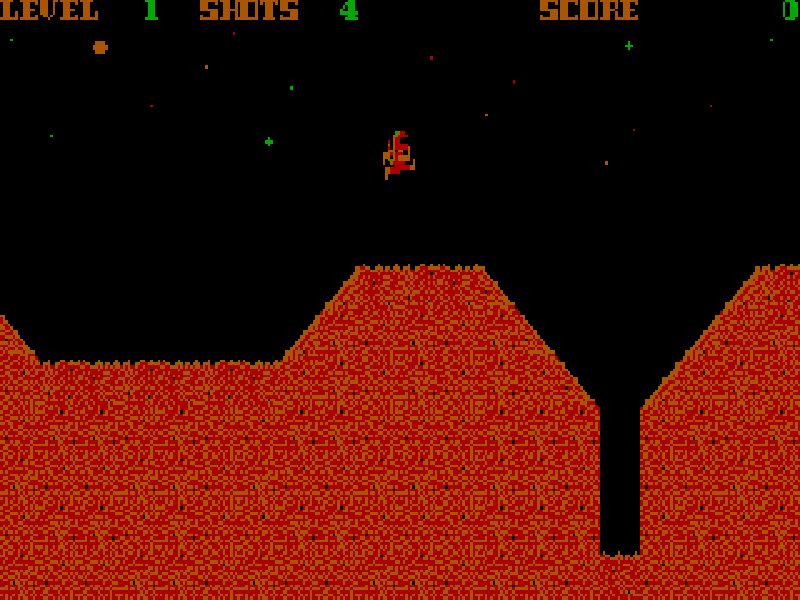
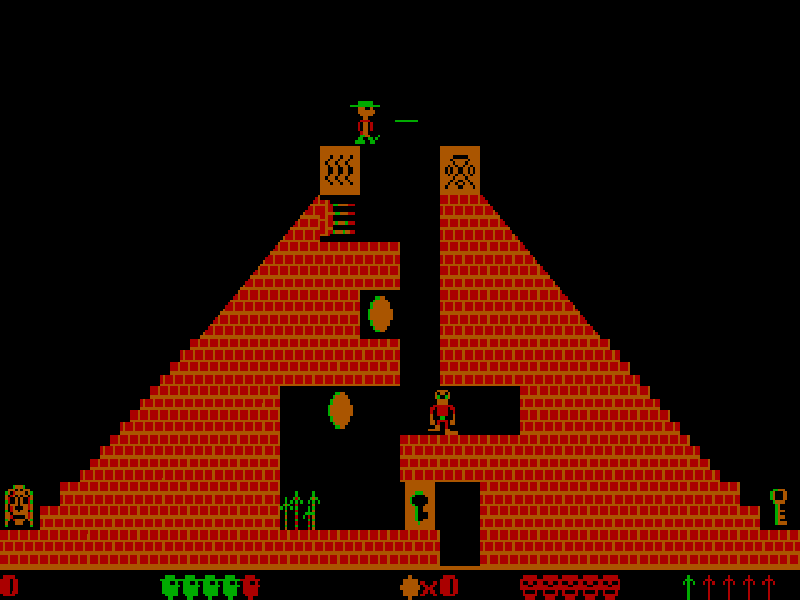
The Monuments of Mars combines platform jumping with small environmental puzzles. You explore alien structures to reach captive astronauts, using switches, access cards and a blaster to make a path through each area. The game gives you unlimited lives, so a mistake restarts the current level rather than ending the entire expedition.
Left and Right move your character, Space jumps and the left Shift key fires the blaster. Enter is the interaction key: stand near a switch, button, lever or computer before using it. Some switches can also be activated by a shot, but blaster ammunition is limited and must be replenished with energy packs.
Choose a volume with 1–4 in the opening launcher, continue past the title and notice, then press J for Journey Onward. Press I in the main menu to read the original instructions. During play, S saves, R restores, F6 restarts the level and Esc opens the pause/quit prompt. These are the game's own commands; the website's save controls are separate.
This is the four-volume DOS 1.0 release preserved in Apogee's March 2009 freeware package. The volumes are First Contact, The Pyramid, The Fortress and The Face. Scenario Software created the game, which Apogee originally published in 1990. All original files and the publisher's release notes are retained; in-game text remains English.
Start here
Quick tips
Stand beside a switch or computer before pressing Enter. The action key does not work from across the room.
Save blaster shots for obstacles that need them. An energy pickup replenishes three shots.
Find an access card before trying a locked door; the status line shows cards you have collected.
Use F6 if you become trapped. Unlimited lives make it possible to learn a room by retrying it.
- Left / Right
- Move left or right
- Space
- Jump
- Shift
- Fire the blaster with left Shift
- Enter
- Use nearby switches, buttons, levers and computers; continue notices
- J
- Start Journey Onward from the main menu
- I
- Read instructions from the main menu
- S
- Save the game
- R
- Restore a saved game
- F6
- Restart the current level
- Esc
- Pause and open the quit prompt
- Y / N
- Confirm or cancel the quit prompt
- 1 / 2 / 3 / 4
- Choose a volume in the opening launcher
Keep playing
Similar Games
Ratings & comments
Help improve this entry
Something not working?
Report a gameplay or information problem. Short reports are enough.
Archive notes
Rights and Source Notes
Browser play is available for this entry.
- Distribution
- Freeware
- Browser player
- js-dos · Browser play
- Added to archive
- 2026-10-26
No comments yet. Be the first to share a tip.