Xargon
Saves are stored in this browser.
Player notes
About this game
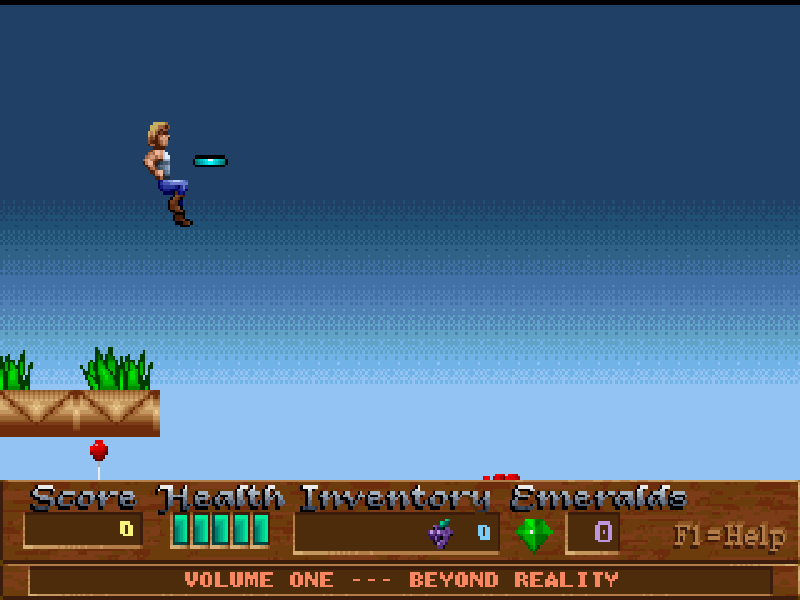
Xargon follows explorer Malvineous into a strange world of ruins, creatures and machinery. Its levels combine platform jumps with shooting and exploration. Gems, food and other items reward looking beyond the obvious path, while the world map connects the separate stages.
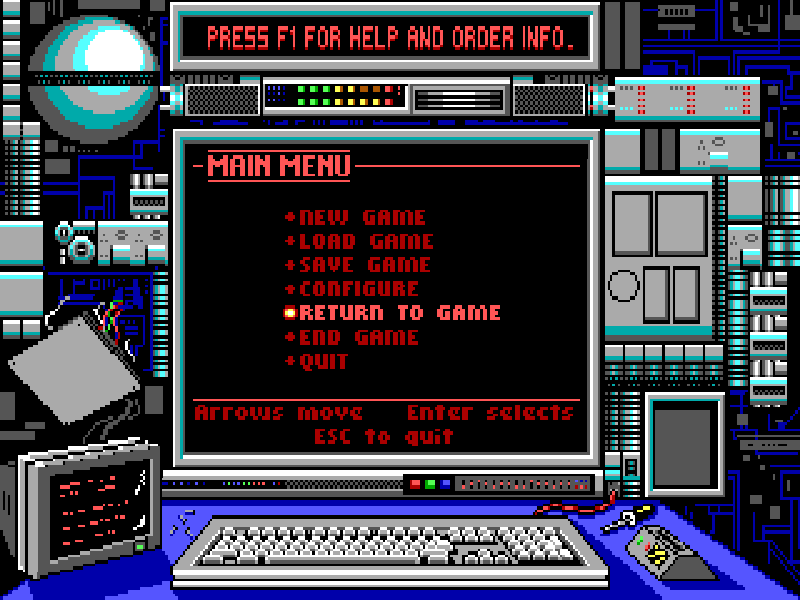
Start a new game and follow the path on the map. The book opens the journal; a blue X marks a stage entrance. Once inside, use the arrow keys to move, Ctrl or Alt to jump, and Shift or Space to fire. Esc opens the game options, including save, load and instructions.
This is the original DOS 3.0 shareware release of Beyond Reality, the first Xargon episode, published by Epic MegaGames. It is a try-before-registering edition, not the complete three-episode game. The original package and its distribution license are preserved.
Start here
Quick tips
Keep the first episode selected and press Enter. Press Enter again at the hardware summary, then start a new game from the menu.
The book on the first map is a journal, not the first action stage. Continue along the path to the blue X.
Use shorter movements near platform edges, and fire before approaching enemies at close range.
Open the options menu to review instructions or save before attempting an unfamiliar route.
- Arrow keys
- Move through the level or world map
- Ctrl / Alt
- Jump
- Shift / Space
- Fire
- Enter
- Open the inventory on the map; confirm menu choices
- Esc
- Open game options; return from a menu
- F1
- Open instructions
Keep playing
Similar Games
Help improve this entry
Something not working?
Report a gameplay or information problem. Short reports are enough.
Archive notes
Rights and Source Notes
Browser play is available for this entry.
- Distribution
- Shareware
- Browser player
- js-dos · Browser play
- Added to archive
- 2026-10-17